
In an age of endless screen time, finding high-quality educational games for kids that are both fun and genuinely beneficial can feel like a daunting task. Parents and educators are constantly searching for platforms that not only entertain but also reinforce critical skills in math, reading, science, and creativity. The right game transforms learning from a chore into an exciting adventure, adapting to a child's unique pace and building confidence along the way.
This guide cuts through the noise to deliver a curated roundup of the best platforms for educational games. We get straight to the point, providing a comprehensive look at top-tier options like PBS KIDS, ABCmouse, and Prodigy. Our goal is to equip you with the information needed to select the perfect resource that aligns with your child's age, interests, and learning objectives. The aformentioned philosophy is why we explore various learning through play activities designed to build both skills and a sense of agency in young learners.
Inside this comprehensive review, you will find:
- Detailed Breakdowns: An in-depth analysis of each platform's strengths, target age groups, and core subject areas.
- Actionable Insights: Practical pros and cons for every option, helping you weigh features against potential drawbacks.
- Direct Access: Clear screenshots and direct links to each website or app store page, so you can explore them immediately.
We've done the research so you can make an informed choice that sparks curiosity and establishes a strong foundation for lifelong learning. This guide moves beyond simple descriptions to offer practical tips on integrating these tools effectively, managing screen time responsibly, and ensuring a safe digital environment for your child.
1. Amazon
While not a game developer itself, Amazon serves as a comprehensive marketplace and ecosystem for a vast array of educational games for kids, spanning physical products, digital apps, and its own curated hardware. It’s an ideal starting point for parents seeking a one-stop shop that consolidates everything from STEM kits and board games to a secure, controlled environment for digital play.
The platform's primary strength lies in its Fire Kids and Fire Kids Pro tablets, which are designed specifically for children. These devices come with a one-year subscription to Amazon Kids+, a service that bundles thousands of age-appropriate books, movies, and, most importantly, educational games. This curated library removes the guesswork for parents, ensuring content is vetted and suitable for specific age ranges.
Key Features and Offerings
Amazon's approach is unique because it integrates hardware, software, and a massive retail marketplace into one ecosystem. This allows parents to manage both physical and digital learning resources from a single, familiar platform.
- Fire Kids Tablets: These devices are more than just tablets; they are complete, child-friendly systems. They include a rugged, kid-proof case and a 2-year "worry-free" guarantee. If the device breaks, Amazon replaces it, no questions asked.
- Amazon Kids+ Subscription: This all-in-one subscription provides access to a huge library of premium content from trusted brands like Disney, PBS Kids, and Nickelodeon. The games focus on core skills like math, reading, and problem-solving.
- Parent Dashboard: The robust parental controls are a standout feature. Parents can set daily time limits, filter content by age, create educational goals (e.g., "read for 30 minutes before playing games"), and view activity reports to see what their child is engaging with.
- Vast Marketplace Selection: Beyond its digital ecosystem, Amazon remains a top destination for physical educational products. Parents can find everything from classic board games that teach strategy to advanced robotics kits, all supported by extensive user reviews and fast Prime shipping.
Parent Tip: Use the Parent Dashboard to set "Learn First" goals. This feature allows you to block access to entertainment content, like cartoons or purely fun games, until your child has met specific educational milestones, such as reading for a set amount of time or completing a math app.
Pros and Cons
| Pros | Cons |
|---|---|
| Huge Selection: Unparalleled variety across physical and digital educational products. | Performance Limitations: Base-model Fire tablets may have storage or speed constraints; an SD card is often recommended. |
| Strong Parental Controls: The Parent Dashboard offers granular control over screen time and content. | App Store Differences: The Amazon Appstore has a smaller selection than Google Play, so some specific apps may be unavailable. |
| All-in-One Ecosystem: Hardware, a curated subscription, and a retail marketplace are seamlessly integrated. | Subscription-Centric: The best experience is tied to the Amazon Kids+ subscription, which has a recurring cost after the first year. |
| Worry-Free Guarantee: The 2-year replacement policy on Fire Kids tablets offers excellent peace of mind. | Commercial Environment: The platform is inherently a marketplace, which can sometimes feel overly commercial. |
For parents looking for a reliable, controlled, and comprehensive solution for both digital and physical learning, Amazon's ecosystem is a powerful and convenient choice.
Website: https://www.amazon.com
2. Apple App Store
For families embedded in the Apple ecosystem, the App Store is the primary destination for discovering high-quality educational games for kids. As the exclusive software marketplace for iPhone and iPad, it offers a meticulously curated environment with strong privacy protections and a vast selection of learning apps, making it a trusted source for parents.
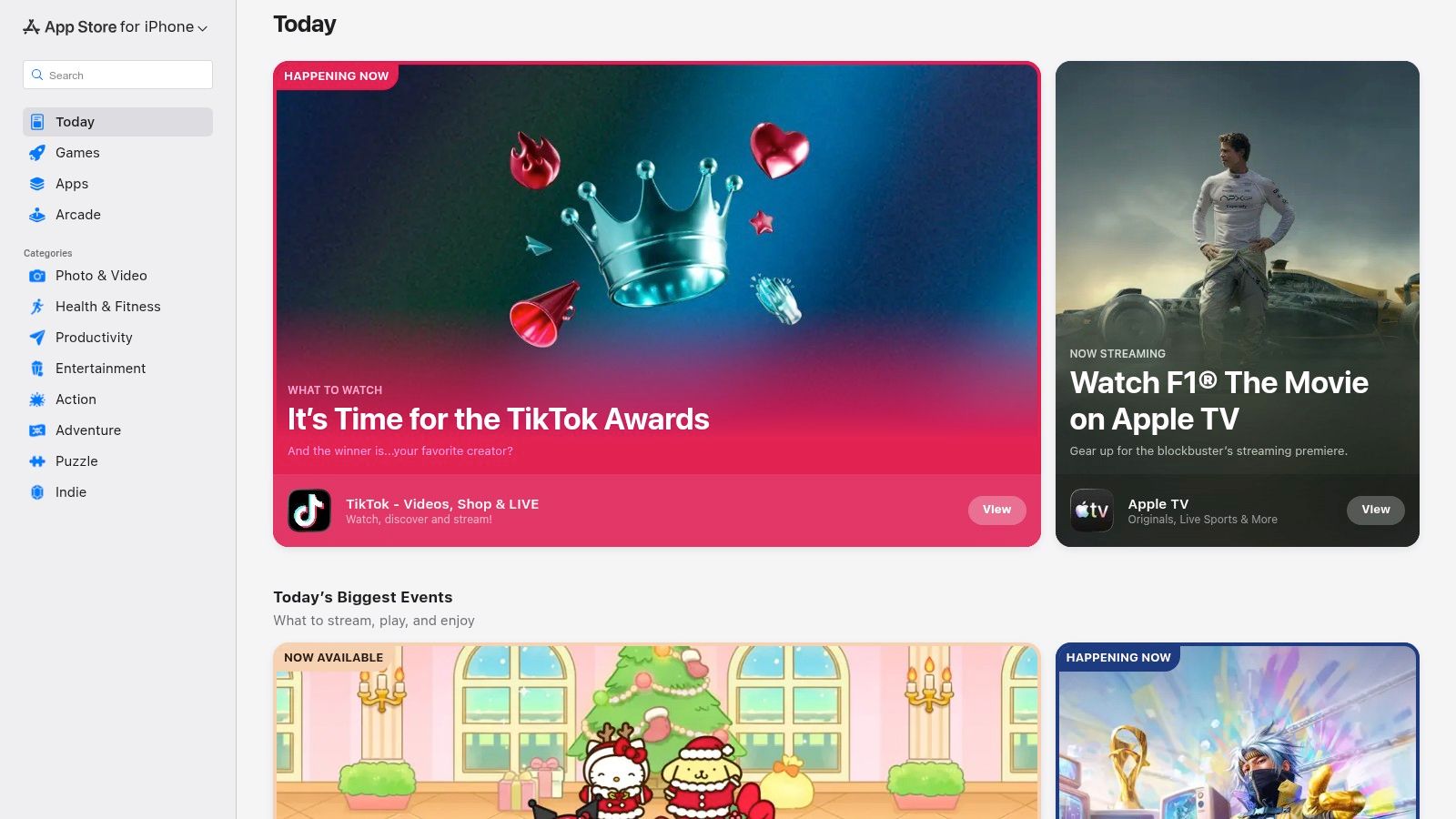
The platform’s standout feature is its dedicated "Kids" category, which enforces stricter guidelines than the rest of the store. Apps in this section must meet higher standards for data privacy, include parental gates for external links or purchases, and ensure content is age-appropriate. This vetting process provides parents with significant peace of mind, knowing that the apps their children use are designed with safety as a priority.
Key Features and Offerings
The App Store's strength lies in its combination of a massive, high-quality catalog with powerful, system-level controls that give parents oversight of their children's digital experiences.
- Curated "Kids" Category: This specially managed section of the App Store requires apps to adhere to strict privacy and safety rules, making it easier for parents to find trustworthy content. Apps cannot include behavioral advertising or collect sensitive data without verifiable parental consent.
- Family Sharing: This feature allows up to six family members to share eligible app purchases, Apple Arcade subscriptions, and iCloud+ storage. This can be a cost-effective way to provide premium educational apps to multiple children without buying them individually.
- Screen Time and Parental Controls: Integrated directly into iOS and iPadOS, Screen Time allows parents to set app time limits, block in-app purchases, restrict explicit content, and approve app downloads. These controls are centralized and apply across all of the child's Apple devices.
- Apple Arcade: This subscription service offers a collection of over 200 games with no ads or in-app purchases. While not exclusively educational, it includes many high-quality puzzle, logic, and creative games that promote critical thinking, all within a safe, monetized-free environment.
Parent Tip: Configure "Ask to Buy" within Family Sharing. When a child attempts to purchase or download an app (even a free one), a notification is sent to the family organizer's device. You can then review the app and approve or decline the request, preventing unwanted downloads and surprise in-app purchases.
Pros and Cons
| Pros | Cons |
|---|---|
| Deep Catalog of High-Quality Games: Access to premium educational developers like Toca Boca, Sago Mini, and Endless Alphabet. | Freemium Models are Common: Many top apps use in-app purchases to unlock full functionality, which can be frustrating. |
| Strong Privacy and Vetting: Apps in the Kids category undergo a rigorous review process for child safety. | Family Sharing Inconsistencies: Not all app or subscription purchases support Family Sharing; this is determined by the developer. |
| Integrated Parental Controls: Screen Time offers robust, system-level management of a child's device usage. | Platform-Exclusive: Only available to users of Apple devices like iPhones and iPads. |
| Cost Savings with Family Sharing: The ability to share purchases across multiple family members can reduce costs. | Discovery Can Be Overwhelming: The sheer volume of apps can make it difficult to find the best ones without relying on curated lists. |
For parents who use Apple devices, the App Store provides a secure, well-regulated, and content-rich platform to find some of the best educational games for kids on the market.
Website: https://apps.apple.com
3. PBS KIDS
PBS KIDS offers a trusted, safe, and completely free destination for high-quality educational games for kids. Backed by decades of research and a commitment to child development, the platform provides a digital playground where learning is seamlessly integrated with beloved characters from shows like Daniel Tiger's Neighborhood, Wild Kratts, and Alma's Way. It's an invaluable resource for parents and educators seeking engaging, curriculum-aligned content without ads or subscriptions.

The platform's core strength is its unwavering focus on making learning accessible and fun for its target audience of preschoolers and early elementary students. Every game is thoughtfully designed to support specific learning goals, from developing literacy and math skills to exploring scientific concepts and fostering social-emotional growth. This mission-driven approach ensures that screen time is productive and positive.
Key Features and Offerings
PBS KIDS stands out by providing a premium educational experience at no cost, making it an equitable choice for all families. The games are available on its website and through dedicated mobile apps, ensuring accessibility across various devices.
- Curriculum-Based Games: Features hundreds of games centered on core subjects like literacy, math, science, and social-emotional learning. Children can explore animal habitats with the Kratt brothers or practice daily routines with Daniel Tiger.
- Ad-Free and No In-App Purchases: The entire platform is 100% free and contains no advertisements, in-app purchases, or external links, creating a safe, uninterrupted play environment.
- Mobile Apps with Offline Access: The PBS KIDS Games app bundles many of the platform's most popular titles into a single, easy-to-use application. Many games can be downloaded for offline play, perfect for travel or areas with limited internet.
- Research-Backed Content: The games are developed in collaboration with child development experts and educators, ensuring they are not only entertaining but also effective learning tools. Many titles are cross-listed on PBS LearningMedia for classroom use.
Parent Tip: Use the PBS KIDS Games app to download a selection of your child's favorite games before a trip. This provides a free, ad-free, and educational entertainment option that doesn't require Wi-Fi or cellular data, making it perfect for car rides or flights.
Pros and Cons
| Pros | Cons |
|---|---|
| Completely Free and Ad-Free: No subscriptions, hidden fees, or commercials, making it accessible to everyone. | Content Skews Younger: Primarily designed for Pre-K to early elementary, with limited options for older children. |
| Trusted and Safe Brand: PBS is a highly respected name in children's media, offering peace of mind to parents. | No Detailed Progress Tracking: Lacks the advanced parental dashboards and progress reports found in many paid platforms. |
| Strong Educational Foundation: All content is research-based and aligned with school curricula. | Simpler Game Mechanics: Games are intentionally straightforward, which might not engage children accustomed to more complex commercial titles. |
| Offline Play Available: The mobile app allows for on-the-go learning without an internet connection. | Focus on Familiar Characters: The experience is heavily tied to PBS shows, which may be less appealing if a child isn't a fan. |
For parents and educators of young children, PBS KIDS is an unparalleled resource that delivers exceptional educational value in a safe, accessible, and beloved format.
Website: https://pbskids.org/games
4. ABCmouse
ABCmouse offers a comprehensive, subscription-based digital learning academy designed for children ages 2 through 8. It stands out by presenting a structured, step-by-step curriculum through a fully gamified experience. Rather than just offering standalone educational games for kids, ABCmouse provides a "Learning Path" that guides children through thousands of activities in reading, math, science, and art, ensuring a well-rounded and progressive educational journey.
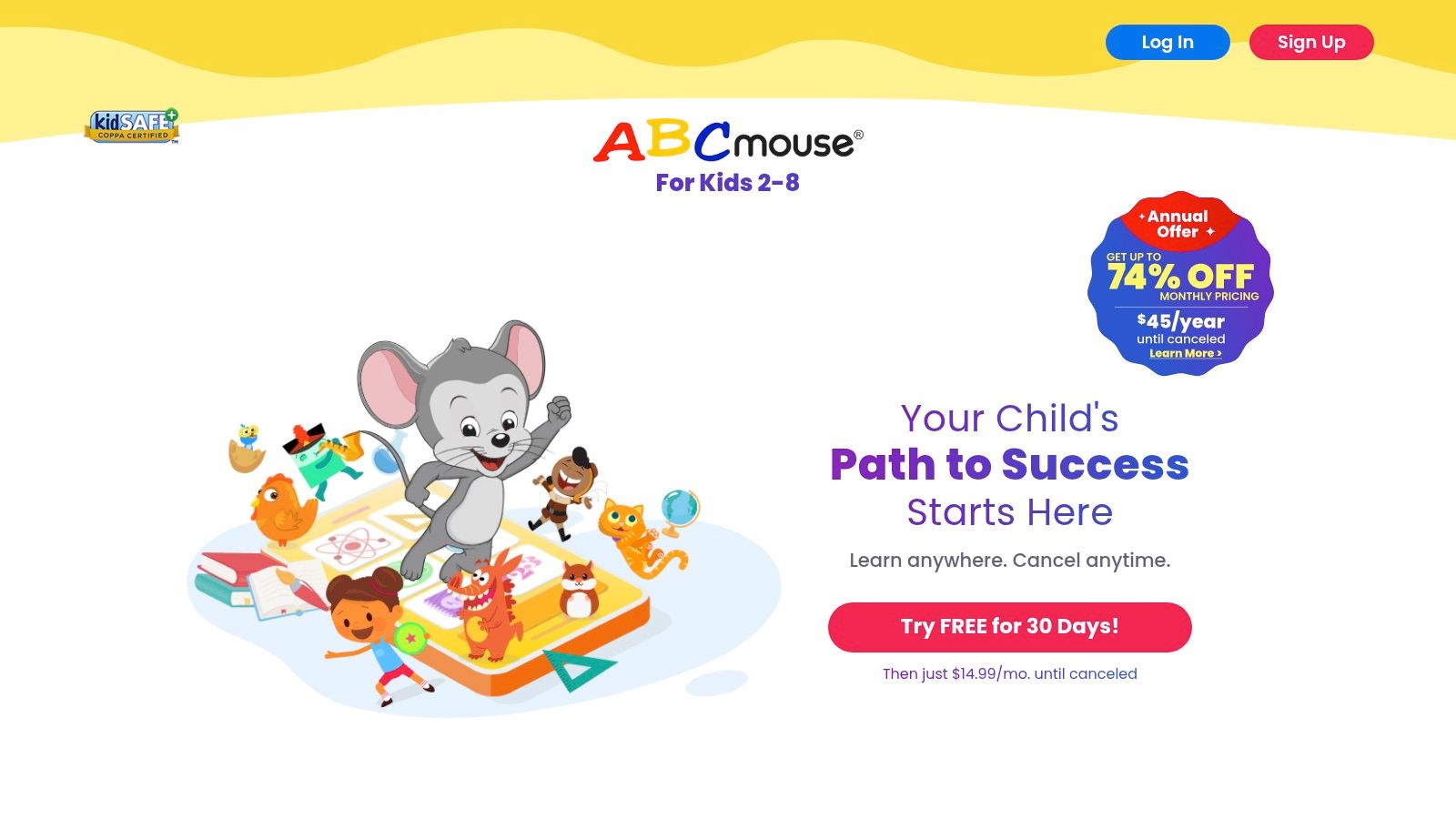
The platform is designed to feel like a complete virtual classroom and world. Children create their own avatars, earn tickets for completing lessons, and use those tickets to "purchase" virtual items for their avatar, room, or pet hamster. This reward system is highly motivating for young learners, encouraging them to continue progressing through the curriculum to unlock new content and customizations.
Key Features and Offerings
ABCmouse excels at creating an immersive and controlled learning environment where educational content is seamlessly integrated with gameplay. The platform is entirely ad-free, ensuring children can learn without distractions or inappropriate content.
- Step-by-Step Learning Path: The core of the platform is a guided curriculum with over 850 lessons across 10 levels. This structure ensures that children build foundational skills in a logical order before moving on to more advanced concepts.
- Massive Content Library: Beyond the main path, the site offers over 10,000 individual learning activities, including games, puzzles, animations, books, songs, and art projects, catering to different learning styles.
- Progress Tracking: Parents can easily monitor their child's academic progress through a dedicated dashboard. It shows which activities have been completed, a summary of skills practiced, and areas where a child might need more attention.
- Multi-Profile Support: A single subscription allows for up to three child profiles, each with its own customized avatar, progress tracking, and Learning Path, making it ideal for families with multiple young children.
Parent Tip: While the Learning Path provides excellent structure, don't forget to explore the "Map" area. This section allows children to freely choose activities based on their interests, which can be a great way to reinforce concepts or simply give them a break from the structured path while still learning.
Pros and Cons
| Pros | Cons |
|---|---|
| Comprehensive Curriculum: A vast and structured library covers all core subjects for early learners. | Subscription Cost: It is a premium service with a recurring monthly or annual fee after the initial free trial. |
| Highly Engaging & Gamified: The reward system and interactive world keep children motivated. | Narrow Age Range: The content is heavily focused on the 2–8 age group and is less suitable for older elementary students. |
| Strong Reading Foundation: The platform is particularly effective at teaching phonics, sight words, and reading comprehension. | Repetitive Structure: Some children may find the lesson-and-reward loop repetitive over the long term. |
| Safe, Ad-Free Environment: A completely closed and secure platform gives parents peace of mind. | Requires Internet Access: The vast majority of the content requires an active internet connection to function. |
For parents seeking a structured, curriculum-based program that uses gamification to teach foundational academic skills, ABCmouse is a top-tier choice for the early learning years.
Website: https://www.abcmouse.com
5. Osmo (Play Osmo)
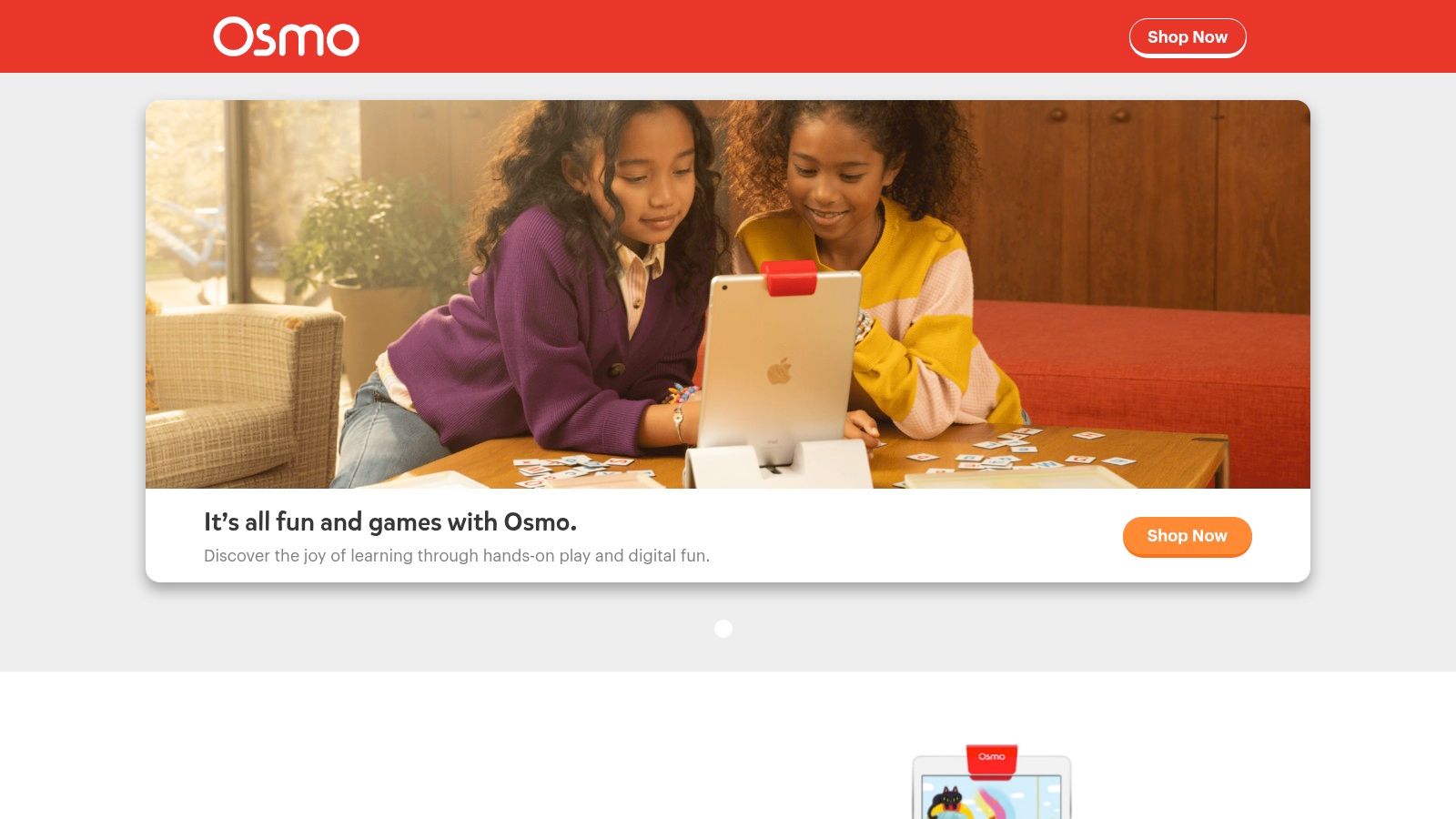
Osmo masterfully bridges the gap between physical play and digital learning, creating a unique hybrid system that turns a standard tablet into a hands-on educational tool. It is an exceptional choice for parents looking for educational games for kids that reduce passive screen time and encourage tactile interaction. By using physical game pieces and a special reflector, Osmo brings a child's real-world actions onto the screen in a magical, interactive way.
The system's core innovation lies in its "Reflective AI" technology. A child arranges tangible blocks, puzzle pieces, or drawings in front of their iPad or Fire Tablet, and the Osmo base and reflector scan these objects, bringing them to life inside the game. This approach is fantastic for developing fine motor skills, spatial reasoning, and creative problem-solving in a way that purely digital apps cannot replicate.
Key Features and Offerings
Osmo’s ecosystem is built around its Starter Kits, which provide the essential hardware and a selection of games. From there, parents can expand their library with individual game sets tailored to specific interests and learning goals, covering a wide range of STEAM subjects.
- Tangible, Hands-On Gameplay: Unlike traditional apps, Osmo games require children to physically manipulate game pieces like number tiles, letter blocks, and coding commands. This hands-on approach reinforces learning concepts through muscle memory and tactile feedback.
- Variety of Starter Kits: Osmo offers kits tailored to different age groups and interests, such as the Little Genius Starter Kit for preschoolers (ages 3-5), the Genius Starter Kit for core subjects (ages 6-10), and the Coding Starter Kit for introducing programming fundamentals.
- Comprehensive STEAM Curriculum: The games cover a broad spectrum of educational topics, including basic coding (Coding Awbie), math (Numbers), spelling (Words), physics (Newton), and art (Masterpiece), making it a well-rounded learning system.
- Classroom and At-Home Use: Osmo is widely adopted in over 30,000 classrooms, a testament to its educational effectiveness. The system is designed to be just as engaging for solo play at home as it is for collaborative learning in a school setting.
Parent Tip: Start with a kit that aligns with your child's current age and interests, like the Little Genius Kit for a preschooler. As they grow, you can purchase add-on games individually without needing to buy a new base, making the system expandable and cost-effective over time.
Pros and Cons
| Pros | Cons |
|---|---|
| Blends Physical and Digital Play: Creates a highly engaging and effective learning experience that minimizes passive screen time. | Hardware Dependency: Requires a compatible iPad or Fire tablet, plus the initial purchase of an Osmo base and game pieces. |
| Strong STEAM Focus: Offers excellent coverage of science, technology, engineering, art, and math subjects. | Higher Upfront Cost: More expensive to get started compared to standalone educational apps due to the physical components. |
| Develops Multiple Skills: Enhances not just academic knowledge but also fine motor skills, problem-solving, and creativity. | Requires Physical Space: Needs a flat, well-lit surface in front of the tablet for the camera to function correctly. |
| Expandable System: The core base works with a growing library of games, allowing for long-term use. | Piece Management: Keeping track of all the physical game pieces can be a challenge for some families. |
For parents who want to make screen time more active, creative, and tangible, Osmo provides one of the most innovative and educationally sound platforms available.
Website: https://www.playosmo.com
6. Prodigy
Prodigy has successfully cracked the code for making curriculum-aligned learning feel like an epic adventure. It stands out as one of the most popular game-based educational games for kids, wrapping core math and English concepts in a captivating fantasy role-playing game (RPG) format. Children create a wizard avatar, explore magical worlds, battle monsters, and complete quests, all while solving academic problems to cast spells and advance.
The platform's genius lies in its ability to disguise rigorous practice as genuine fun. Kids are motivated to answer questions correctly to earn in-game rewards, upgrade their characters, and unlock new areas. For parents and teachers, Prodigy is a powerful tool that aligns with school curricula (like Common Core and others), making it an ideal supplement for homework, practice, or closing learning gaps.
Key Features and Offerings
Prodigy’s unique blend of adaptive learning and video game mechanics makes it a classroom favorite and a go-to resource for at-home learning. The system adjusts the difficulty of problems in real-time based on the child's performance, ensuring they are challenged but not overwhelmed.
- Adaptive Learning Engine: The game’s algorithm tailors math and English questions to each child's individual skill level. If a child struggles with a concept, the game provides easier problems; if they excel, it introduces more advanced topics.
- Curriculum-Aligned Content: Prodigy’s content for Math (1st-8th grade) and English (1st-6th grade) is directly aligned with major educational standards, making it highly relevant to what children are learning in school.
- Engaging RPG Gameplay: The core loop involves exploring, battling monsters, and collecting pets and gear. This gamified approach keeps children motivated to practice for longer periods than traditional worksheets or apps.
- Parent Dashboard: The free parent account provides insightful reports on your child’s progress. You can see which skills they've mastered, where they are struggling, and set specific learning goals to guide their in-game journey.
Parent Tip: Use the free Parent Dashboard to set a "Goal" for your child. You can select a specific curriculum standard you want them to practice. The game will then prioritize questions related to that skill, turning playtime into a targeted and effective learning session.
Pros and Cons
| Pros | Cons |
|---|---|
| Highly Engaging Format: The RPG style makes learning feel like a video game, boosting motivation and engagement. | Membership Push: While playable for free, the game frequently encourages upgrading to a premium membership for extra features. |
| Curriculum-Aligned: Content directly supports and reinforces what children learn in the classroom. | Distraction Potential: The focus on pets, gear, and social elements can sometimes overshadow the educational content for some children. |
| Free Core Access: The fundamental educational game is completely free, making it accessible to everyone. | Limited Free Features: Many of the most desirable in-game rewards and cosmetic items are locked behind the paid membership. |
| Excellent Progress Tracking: The Parent Dashboard offers valuable, actionable insights into a child's academic performance. | Repetitive Gameplay Loop: The core battle mechanic can become repetitive over extended periods of play. |
For parents seeking an incredibly motivating and curriculum-relevant way to boost their child’s math and English skills, Prodigy is a top-tier choice that expertly balances education with entertainment.
Website: https://www.prodigygame.com
7. Khan Academy Kids
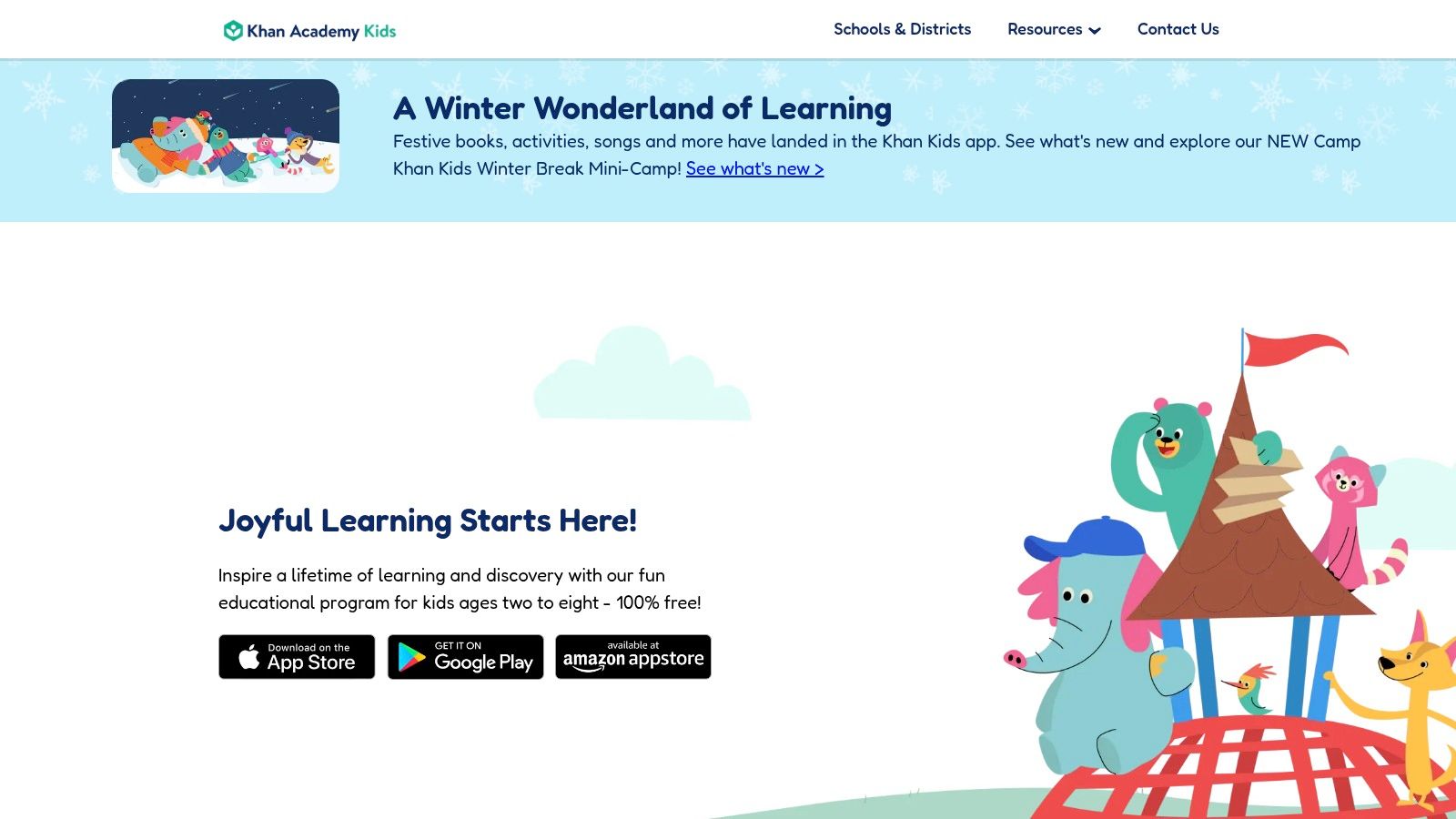
Khan Academy Kids is a remarkable, completely free educational app designed to inspire a lifetime of learning and discovery for young children. As a nonprofit initiative, it offers thousands of educational games for kids, activities, and books for ages 2–8 without any ads, subscriptions, or in-app purchases. This dedication to accessible, high-quality learning makes it a standout choice for parents and educators seeking a safe and engaging digital environment.
The platform's curriculum is thoughtfully designed in collaboration with experts from the Stanford Graduate School of Education. It focuses on a holistic approach to early childhood education, covering core subjects like early literacy, reading, writing, language, and math, while also incorporating creative expression and social-emotional development.
Key Features and Offerings
Khan Academy Kids provides a comprehensive learning journey that adapts to each child's individual pace, ensuring they are challenged but not overwhelmed. The experience is hosted by a cast of charming animal characters who guide children through various activities.
- Personalized Learning Path: The app's core feature is an adaptive learning path that automatically adjusts the difficulty of activities based on a child's performance. This ensures that the content is always relevant and engaging.
- Robust, Aligned Curriculum: The content is aligned with the Head Start Early Learning Outcomes Framework and Common Core Standards, covering a wide range of subjects through games, animated videos, interactive storybooks, and creative projects.
- Completely Free and Ad-Free: Unlike many other apps, Khan Academy Kids is a 501(c)(3) nonprofit. It is 100% free forever, with no advertisements to distract children or hidden fees to surprise parents.
- Parent and Teacher Tools: The "Library" section allows children to choose activities freely. Meanwhile, a dedicated parent section provides progress reports and insights into their child's learning. Teachers can also set up free accounts for their entire class.
- Offline Access: A selection of books and activities are available offline, making it a perfect companion for travel or situations without a reliable internet connection.
Parent Tip: Set up individual profiles for each of your children. The app will create a unique, personalized learning path for every user, tracking their progress separately and tailoring the content to their specific needs and developmental stage.
Pros and Cons
| Pros | Cons |
|---|---|
| 100% Free with No Ads: Provides high-quality educational content without any financial barriers or commercial distractions. | Limited Age Range: Content is specifically designed for ages 2–8 and is not suitable for older elementary or middle school students. |
| Expert-Designed Curriculum: Developed with learning experts to ensure activities are pedagogically sound and effective. | Offline Content is Limited: While some activities are available offline, the full library requires an internet connection. |
| Holistic Approach: Covers academic subjects as well as crucial social-emotional and creative skills. | App-Based Only: It is not a web-based platform; it must be downloaded on a compatible mobile device or tablet. |
| Safe and Kid-Friendly: A secure environment with no external links or pop-ups, ensuring children can explore independently. | Focus on Foundational Skills: While excellent for early learning, it doesn't cover more advanced topics found in the main Khan Academy platform. |
For parents of young children seeking a foundational, well-rounded, and completely free resource, Khan Academy Kids is an unparalleled option that prioritizes learning above all else.
Website: https://www.khanacademy.org/kids
Top 7 Kids Educational Games Comparison
| Item | Implementation complexity 🔄 | Resource requirements ⚡ | Expected outcomes ⭐ | Ideal use cases 💡 | Key advantages 📊 |
|---|---|---|---|---|---|
| Amazon | Low — straightforward purchases and device setup | Moderate — Fire tablets, optional Amazon Kids+ or physical purchases | ⭐⭐⭐ — Wide selection; quality varies by product | Fast shipping and parents who want device + content bundles | Huge marketplace, strong parental controls, Prime shipping/returns |
| Apple App Store | Low — download and install on iOS/iPadOS | High — requires iPhone/iPad; many apps use freemium pricing | ⭐⭐⭐⭐ — High-quality, well-vetted apps | Families using iPhone/iPad seeking curated, private apps | Strong app vetting/privacy, Family Sharing, premium titles |
| PBS KIDS | Very low — play via web or mobile app with minimal setup | Minimal — free web/app; no purchases or ads | ⭐⭐⭐⭐ — Research-backed, effective for younger children | Pre-K to early elementary, classrooms, safe home use | 100% free, ad-free, curriculum-aligned and classroom-friendly |
| ABCmouse | Moderate — subscription setup and guided learning paths | Moderate — subscription cost; multi-device access | ⭐⭐⭐⭐ — Structured progression for foundational skills | Early learners (Pre-K–2) needing guided curriculum | Large, structured content library with progress tracking |
| Osmo (Play Osmo) | Moderate–High — hardware assembly + app configuration | High — compatible tablet + Osmo kits (upfront hardware cost) | ⭐⭐⭐⭐ — Very engaging hands-on + digital learning | Tactile learners and STEAM-focused home or classroom use | Hybrid physical-digital gameplay with strong engagement |
| Prodigy | Low — account creation and immediate play | Low–Moderate — free core; optional paid membership tiers | ⭐⭐⭐⭐ — Highly engaging, curriculum-aligned practice | Elementary students for math practice and homework | Gamified learning, teacher adoption, free core access |
| Khan Academy Kids | Very low — install app and set up child profiles | Minimal — free on iOS/Android/Fire; some offline features | ⭐⭐⭐⭐ — Strong pedagogical design for early childhood | Pre-K to early elementary, teachers and budget-conscious families | Completely free, ad-free, research-aligned with teacher tools |
Choosing the Right Game for Your Young Learner
Navigating the vibrant world of educational games for kids can feel like an adventure in itself. We've explored a wide spectrum of platforms, from the comprehensive, curriculum-driven environments of ABCmouse and Khan Academy Kids to the dynamic, game-based learning of Prodigy and the innovative, hands-on technology of Osmo. Each tool offers a unique pathway to learning, designed to capture a child's imagination while building foundational skills.
The key takeaway is that the "best" educational game is not a one-size-fits-all solution. It's the one that aligns perfectly with your child's individual personality, learning style, and specific developmental needs. Your journey now shifts from discovery to deliberate selection, using the insights from this guide to make an informed choice that transforms screen time into a powerful and productive learning experience.
From Information to Action: Your Next Steps
To move forward with confidence, consider a structured approach to selecting the right platform. Think of it as a personalized learning consultation for your child, with you in the driver's seat.
1. Define Your Primary Learning Goal: What is the most critical skill you want to support right now? Is it early literacy and phonics, foundational math concepts, or problem-solving and logic?
- For a structured, all-in-one curriculum for early learners (ages 2-8), ABCmouse provides a clear, step-by-step learning path.
- For making math practice fun and engaging, Prodigy's fantasy game world is an unparalleled motivator for elementary and middle school students.
- For free, high-quality, and comprehensive early learning content, Khan Academy Kids and PBS KIDS are exceptional, non-commercial choices.
2. Consider Your Child's Learning Style: Observe how your child learns best. Are they a hands-on, tactile learner, or do they thrive in a more traditional, digitally-native environment?
- If your child benefits from physical interaction and seeing digital actions have real-world consequences, Osmo's hybrid learning system is a fantastic investment.
- If they are motivated by storytelling and character interaction, the worlds created by PBS KIDS and Prodigy will likely be a huge hit.
3. Evaluate Your Budget and Commitment: Your financial comfort and the level of parental involvement you can offer are crucial factors.
- No-Cost, High-Value Options: Start with Khan Academy Kids and PBS KIDS. These platforms are completely free and provide a rich educational experience without any financial pressure.
- Subscription Models: Services like ABCmouse and Prodigy (premium) offer deeper, more structured content. Always utilize their free trials to assess the value and your child's engagement before committing.
- One-Time Investment: Osmo requires an initial hardware purchase, but the corresponding apps are often free, offering long-term value without recurring fees.
Integrating Games into a Balanced Learning Diet
Remember that even the best educational games are just one component of a healthy learning ecosystem. The goal is not to replace traditional play or parent-child interaction but to supplement it. Set clear boundaries for screen time and actively participate when possible. Ask your child what they are learning, celebrate their progress in Prodigy, or solve an Osmo puzzle together.
Furthermore, it's important to nurture skills beyond core academics. While many of these games touch on creativity and problem-solving, also consider how to support your child's social-emotional growth. Engaging in emotional intelligence games for kids can be a wonderful way to complement their academic learning, helping them develop crucial skills like empathy, self-regulation, and understanding others' perspectives. By creating this balanced approach, you ensure technology serves as a powerful ally in their holistic development, building not just a smarter kid, but a well-rounded and empathetic one.
At Learning Through Play, we believe that the most profound learning happens when education and enjoyment intersect. Our carefully curated selection of toys and tools is designed to complement the digital learning experiences you provide, grounding screen-based concepts in hands-on, tangible play. Explore our collection to find the perfect physical tools that extend the fun and reinforce the skills your child is building with their favorite educational games for kids.
Find Your Next Learning Adventure at Learning Through Play
Article created using Outrank